A personalised game is already a different kind of gift: the character comes from a photograph, the world is chosen for the recipient, and a personal surprise waits after the first level. Webcam hand controls add another way to explore it. Move your hand to steer and make a fist to jump, with the camera preview showing what the game detects.
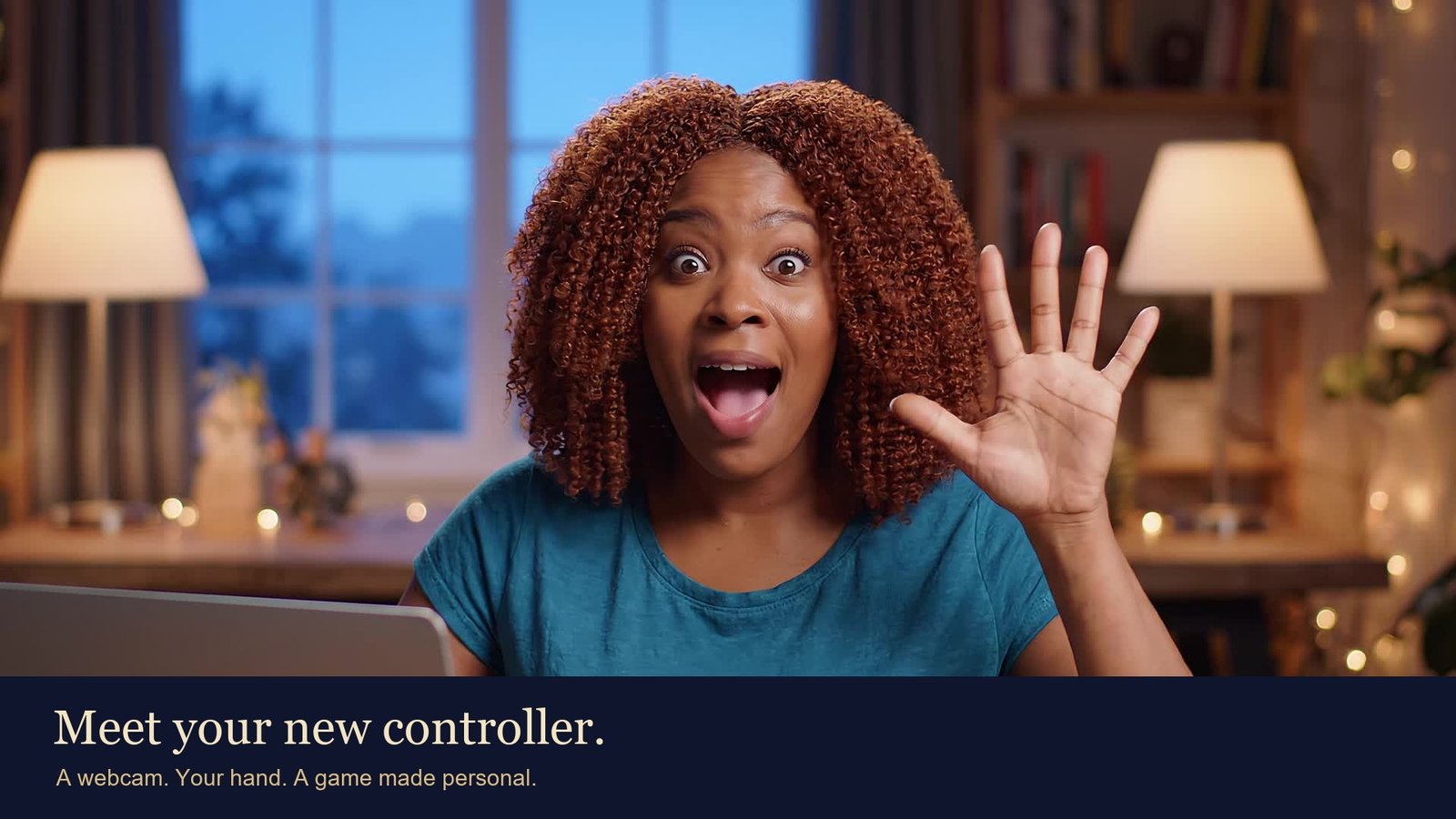
Our short film introduces Maya, a fictional player discovering those controls. Her character shares her curly auburn hair and teal shirt. The detection marks and character movement come from the actual game engine. For this demonstration, recorded AI-generated actor footage is supplied as the camera input; it is not a real customer reaction or a live webcam testimonial.
See what the camera sees
The hand-control preview shows the detected hand, its finger landmarks and the current gesture. That feedback helps explain why a character is moving or jumping. The film includes an enlarged view of the game's actual detection output so you can follow the connection between the hand and the character.
The recorded demonstration uses the same hand-tracking code as the game. We did not draw a tracking overlay onto the actor, inject hand landmarks or script the character's movement during the take. The tracked movement and fist gesture drive the game controls directly.
Try it with a sample game
Start with a sample game in a supported browser on a computer with a working webcam. Open the hand-control option and allow camera access when your browser asks. On the keyboard, the game's C shortcut opens or closes hand control.
Keep your hand visible, leave room to move it in both directions, and follow the calibration guidance. An uncluttered view and steady lighting help. The preview tells you when the hand is found and which action it recognises. If it loses the hand, bring it back into view and use the game's recentre control when needed.
Camera access requires a secure website connection. The tracker also needs supported browser graphics. Performance depends on the camera, lighting, browser and computer, so try a sample on the recipient's device before planning a surprise around this feature. Keyboard controls remain available.
Make the character feel like them
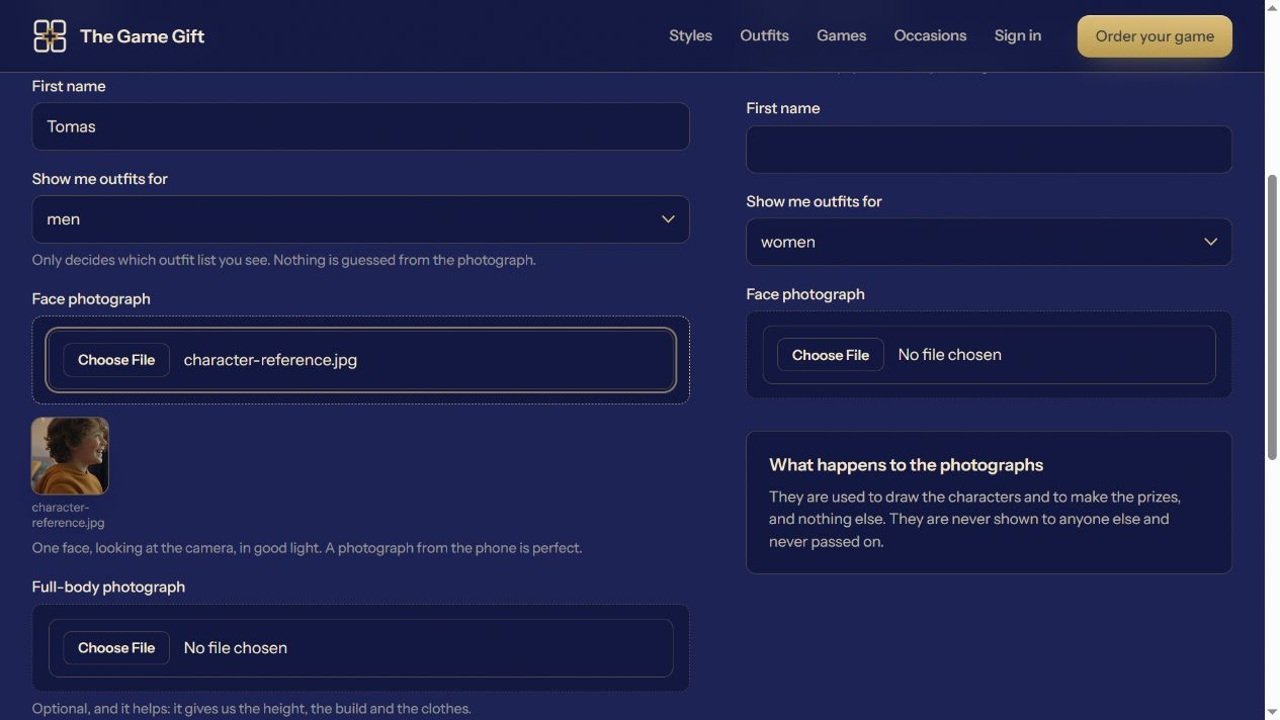
Choose a clear face photograph, then explore the character styles and outfits. A familiar hairstyle, shirt colour or pair of glasses can make the character recognisable even at game size. Follow the photo preparation guide and check the character preview before approving it.
Our film shows a limited set of matching demonstration poses. It illustrates the relationship between a person and their character; it is not a recording of an instant production promise.
Keep the finish personal
Hand controls change how a player moves through the game. The gift can still include the occasion, memories and ending options selected in the order. Choose photographs with a story behind them, write a message that sounds like you, and check the available music and video extras before ordering.
For a birthday, anniversary or another celebration, give the recipient a comfortable first experience: open the private link, help them choose their controls, and let them discover the surprise. Explore the occasions, try a game world, or start your own game.