A personalised birthday game for kids can turn a familiar face into the hero of a playful adventure. The delight comes from recognition: their hairstyle, their name and a surprise chosen by someone who knows them. A thoughtful setup matters more than making the game complicated.
In Small player. Big adventure., a fictional child discovers a ninja-inspired game beside his mother at a desktop computer. The scene is dramatised, and the game footage is recorded from our engine. It shows a gift idea, not a promise about how every child will react.
Choose the game with the child in mind
Look at the available demos before choosing a world. Consider the child's experience with moving and jumping in games, their interests and whether they will be playing with an adult nearby. Our world guide can help you compare the settings.
The ninja world in this film has a different atmosphere from the jungle, space and winter worlds. Choose one they will enjoy rather than one that simply matches the wrapping paper. If they are new to platform games, let them begin on an easier difficulty and explore the controls without a rush.
Have an adult prepare the order
An adult should manage the account, payment, uploads and gift delivery. Choose a clear photograph you have permission to use, and keep unnecessary personal details out of messages and images. A birthday greeting does not need a school name, home address or other identifying information to feel personal.
The character artwork depends on the reference materials and selected style. Review the offered character result carefully before approving it. Look for the broad details the child will recognise, such as curls, glasses or a favourite outfit. Our character photo advice is a useful starting point.
Build a cheerful surprise after level one
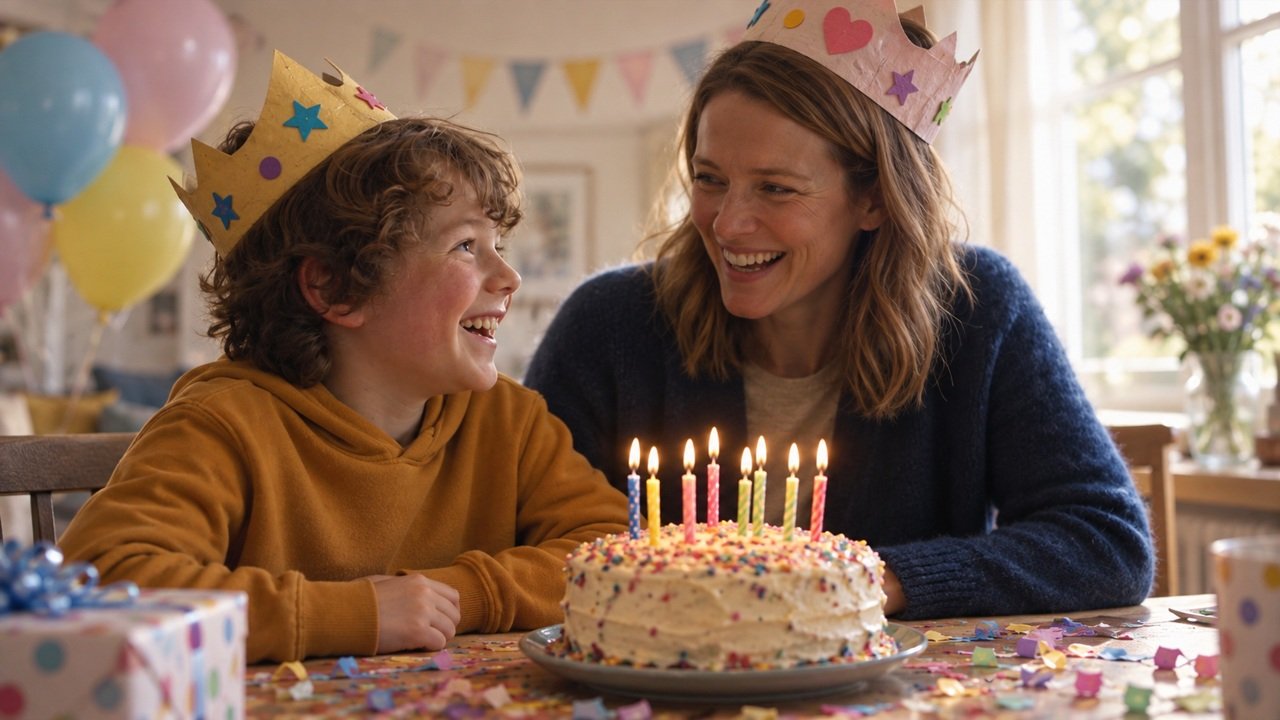
The ceremony and chosen prizes appear after the first level. A family photograph, a short birthday greeting or a silly video can make that finish feel rewarding. Keep the message brief enough for the child to enjoy and understand.
Funny audio should be friendly and clear. A playful sound or a family member doing a goofy celebration may work better than a long speech. Preview any uploaded video yourself before adding it. The extras available and their prices are shown in the order flow.
Make the first play a shared moment
On a computer, the keyboard gives the player physical controls. On a phone, they use the available on-screen controls. Help them choose a comfortable setup and suitable sound level. Leave room for learning, retries and a break if they want one.
Receiving a personalised gift does not need to become a performance. Let the child play at their own pace instead of asking for an immediate reaction or filming them unexpectedly. The gift can be enjoyed privately through its game link.
What is included depends on the order
The film combines a fictional family scene with sample character artwork and real gameplay. Some presentation details are prepared specifically for the advertising preview. Any gift-card amount shown is a non-redeemable example, not an automatic part of a birthday purchase.
Browse the birthday occasion, try a game world, and create a birthday game with a small set of details chosen for the child.
About this demonstration
The photo-to-poses sequence illustrates character personalisation using the same fictional cast as the film. It is an edited illustration, not a recording of a customer order being generated. The moving memory shown here uses a gentle photographic motion treatment. Available living-picture results depend on your selected options.